
How to Search the Aitkin Court Docket
The City of Aitkin posts no municipal court docket of its own. It offers no calendar or payment portal either. Every court route runs through the Minnesota Court Records Online application, known as MCRO. It covers eligible Aitkin County District Court cases. Start with a full court file number if you have one. No number? Use Person or Business search and pick Aitkin County as the court location. Court Administration, not the city administrator, keeps the original files, calendars, and certifications. It also answers local access questions.
- Open MCRO and choose Case Search for a person, business, court file number, citation number, or attorney search.
- Select Aitkin County when the case belongs in the county court system; a local number commonly begins with 01.
- Use exact spelling first, then run wildcard and Sounds Like searches separately if a name may vary.
- Open View Case Details to read the register of actions and identify a hearing, event, or document index.
- For an older, missing, certified, or restricted Aitkin court record, contact Court Administration rather than treating an empty online result as final.
Note: MCRO caps display at 200 results and resets a session after 30 minutes. Save the file number before starting another search.
Aitkin Court Docket County Filter
The Aitkin County filter keeps a search local. It does so without forcing a city name into a court field. MCRO offers four tools: Case Search, Document Search, Hearing Search, and Judgment Search. Document Search requires a case number. Hearing Search is more flexible. It accepts a name, case number, judicial officer, attorney, date range, category, and court location. Keep one thing in mind about the register of actions. It is a dated event history. Not every entry carries a downloadable attachment.
| Search need | Useful Aitkin field | Result to check |
|---|---|---|
| Known court file | Complete number with county prefix 01 | Case details and register of actions |
| Scheduled hearing | Name or file number, date range, Aitkin County | Hearing type, date, and case details |
| Available document | Case number | Document index and any View Document link |
When the online index will not answer a specific record question, call Aitkin Court Administration at 218-927-7350. For local context, the Aitkin County cities and townships source lists the towns covered by the county-based search.
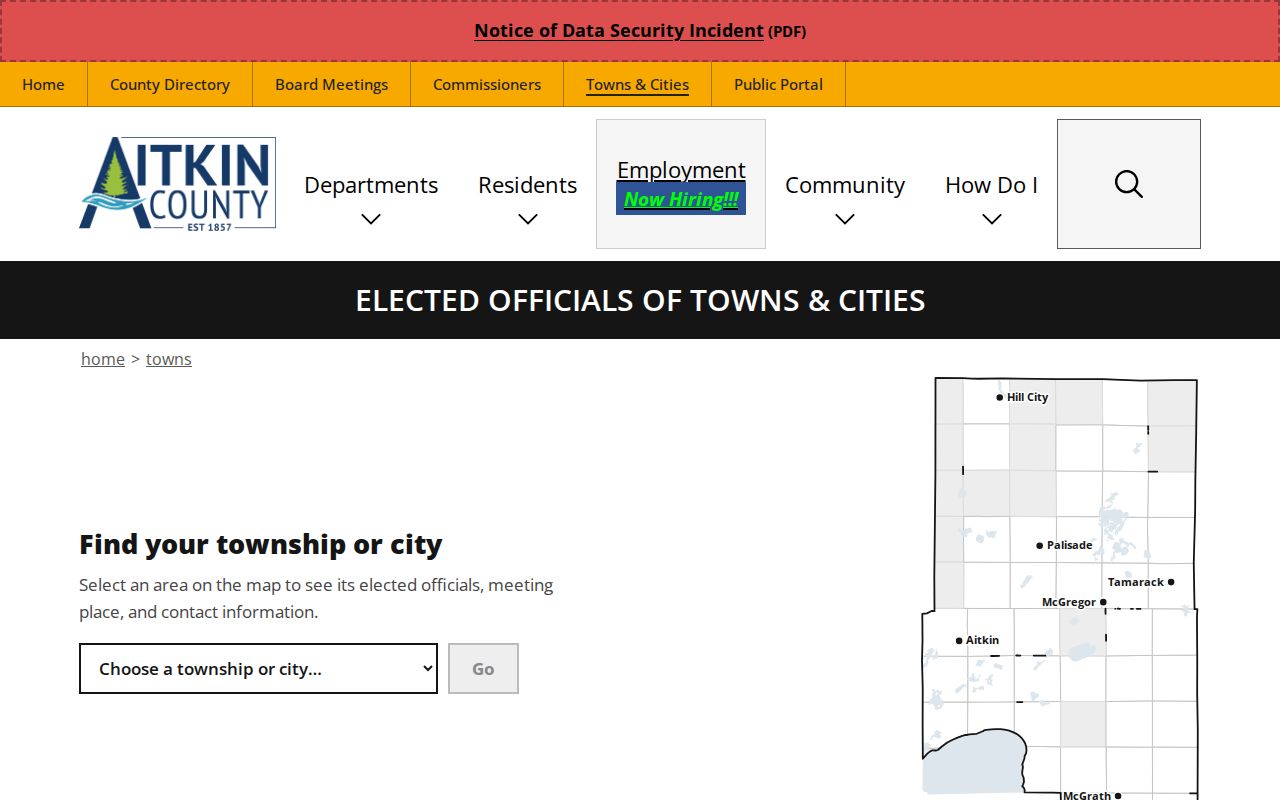
The county map shows why a city reference still routes to the county District Court filter. That filter ties Aitkin searches into the statewide court record system.
The Aitkin Municipal Court
Minnesota runs a unified District Court structure. No separate current Aitkin Municipal Court keeps its own public docket. Aitkin County District Court sits in the Ninth Judicial District. It holds original jurisdiction over county civil, family, probate, juvenile, criminal, traffic, and related city-ordinance matters. So the missing city portal is no dead end. A court-file request, hearing check, or citation question simply follows the District Court and its statewide channels.
For municipal matters, the official City of Aitkin officials listing names City Administrator Jennifer Thompson at 130 Southgate Drive, Suite 200. That office handles city administration. It is not a court records counter. It cannot stand in for Dana Anderson, Court Administrator, or Court Administration staff on an Aitkin District Court file.
Aitkin County District Court
209 Second Street NW, Room 242A
Aitkin, MN 56431
218-927-7350
Court Administration handles local case-file, calendar, copy, and certification questions.
City of Aitkin
130 Southgate Drive, Suite 200
Aitkin, MN 56431
218-927-2527
City administration contact for municipal business, separate from the Aitkin court record route.
The accompanying City of Aitkin source image identifies the municipal office context.
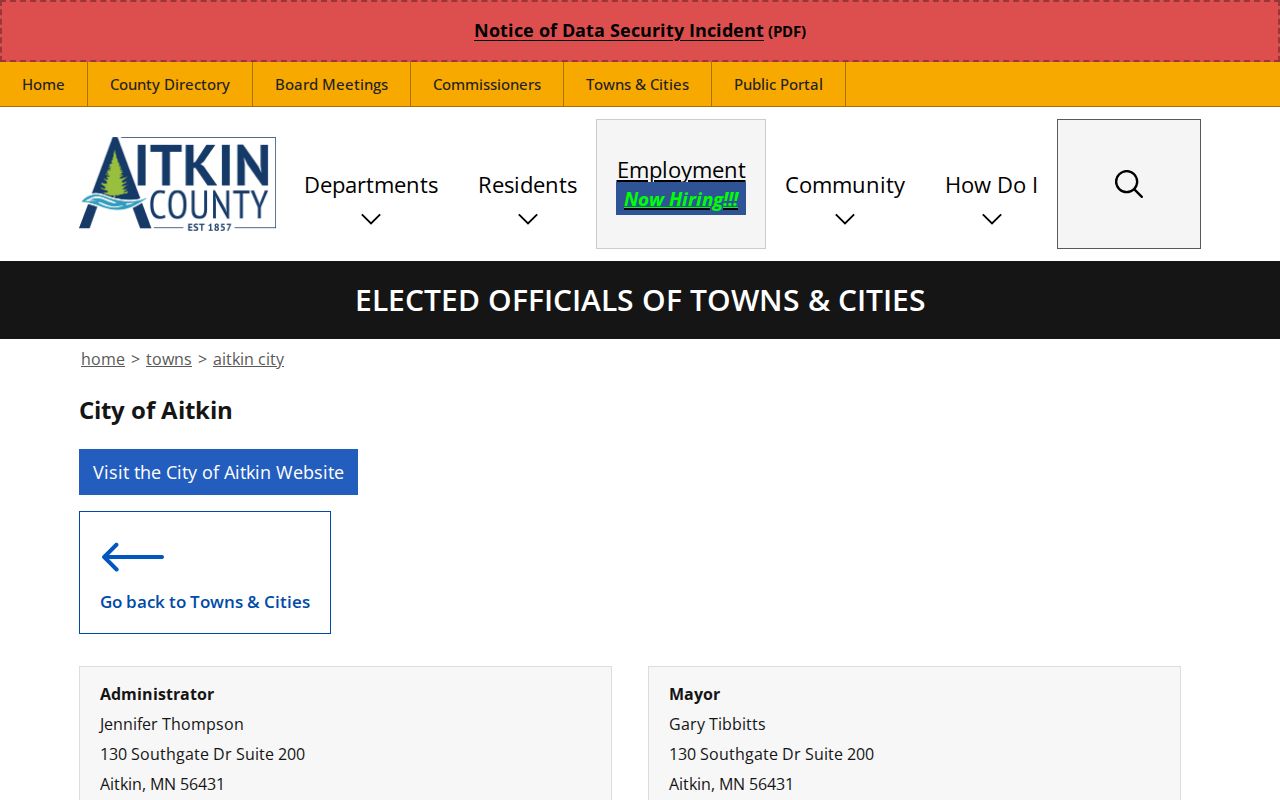
The city-office listing helps separate municipal contacts from the office that keeps the Aitkin County District Court docket.
Aitkin Court History and Docket Access
Aitkin is the county seat. It is also the county's largest incorporated city, with a 2020 Census population of 2,168. The courthouse presence makes the county court route especially visible in town. Population rank alone, though, does not create a separate city caseload. The official court history records an 1888 courthouse. The present building dates to 1929. It features white face brick and Bedford limestone. The Judicial Branch courthouse-history source documents that county-seat context.
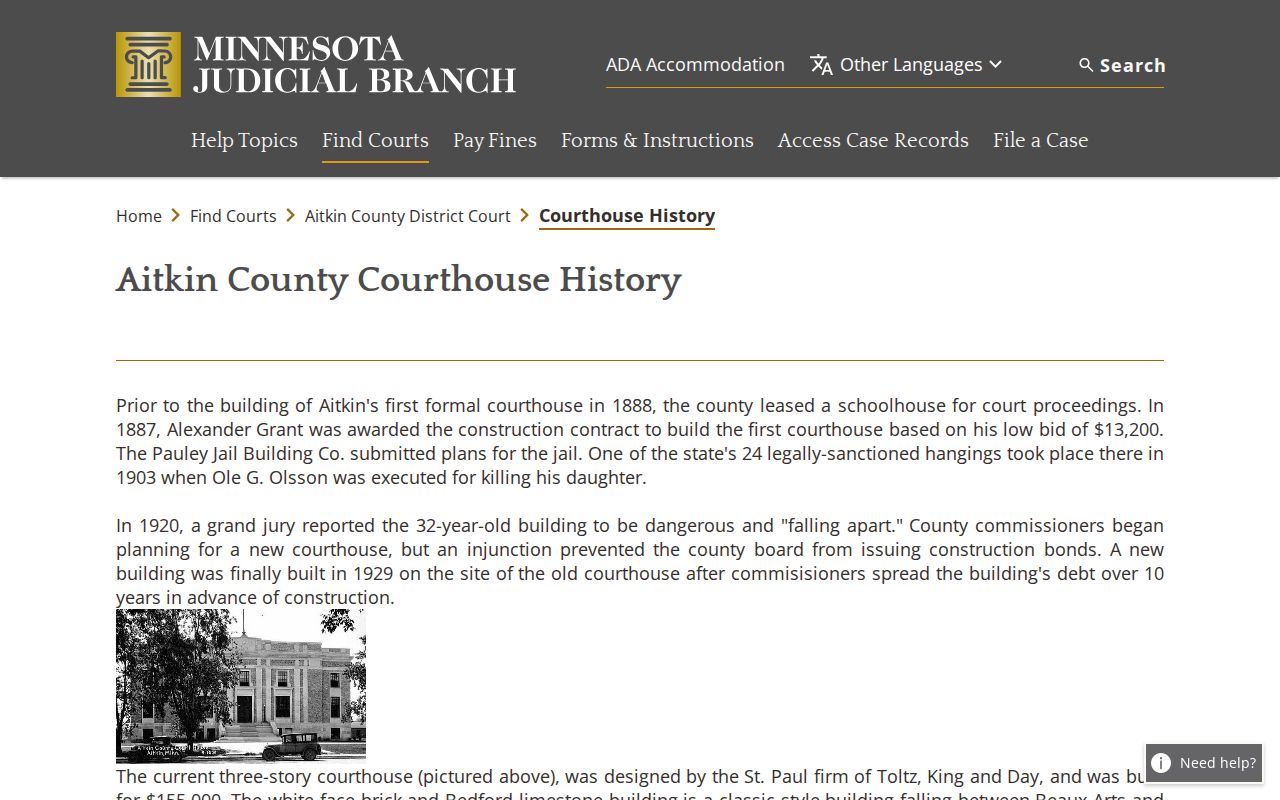
History offers civic orientation only. Current Aitkin docket searches, hearing settings, and copy requests run through the active Judicial Branch channels.
Aitkin Court Dates and Settings
For an Aitkin hearing, check the Aitkin daily calendar first. Use it for the business day in question. Then run MCRO Hearing Search with the case number or name and a date range. Select Aitkin County. One caution: the daily PDF is not the full Aitkin court docket. It is a snapshot of scheduled courtroom events. It posts at 7:00 a.m. each business day and updates hourly. Printed courthouse and lobby calendars are described as the most current of all.
| Hearing Location | Scheduled location; a blank field does not prove cancellation or privacy. |
|---|---|
| Hearing Date and Time | The scheduled setting, which can change after publication. |
| Judicial Officer | The listed judicial officer for the scheduled event. |
| Hearing Type | Examples include arraignment, pre-trial, motion hearing, plea hearing, or sentencing. |
| Connection Type and Case Number | Useful for matching the notice and locating the Aitkin court file. |
For a remote link or a last-minute change, rely on the court notice or Court Administration. A calendar row proves neither that a hearing occurred nor its outcome.
Aitkin Court Calendar Fields
Read the daily calendar's field labels as scheduling data. That is all they are, plain and simple. Hearing location, date, time, judicial officer, hearing type, connection type, and court file number all point back to one place. Each points to the proper Aitkin case. Do not use the page to repeat private party names from the calendar. A case number like 01-CR-25-760 only teaches the format. It shows county, case type, year, and sequence. It is not a claim about a City of Aitkin matter.
- Register of Actions
- The chronological record of case events, filings, orders, and hearings.
- Case Event
- An entry for a filing, notice, hearing, order, judgment, or administrative action.
- Calendar
- A scheduled-hearing list that is narrower than the complete Aitkin court file.
Aitkin Traffic Tickets
Aitkin traffic tickets and other payable violations share a single route. They run through the statewide citation and court case system. There is no separate city pay portal. Look up the matter in MCRO with a full citation number or court file number. If it is payable, use Minnesota Web Payment or the Court Payment Center. Allow up to seven days for a new citation. The response date and any appearance requirement come from the citation and the court notice. They do not come from the docket entry.
Case codes tell you which track you are on. A VB case is payable and non-mandatory under statewide guidance. A CR case cannot be paid before the required appearance. Paying a payable Aitkin citation counts as a guilty plea. That payment also waives trial-related rights. For the fuller county process, see Aitkin County traffic court records.
Payment warning: Do not use Web Payment to contest a mandatory-appearance Aitkin case. Confirm the citation type and notice before paying or arranging an appearance.
Aitkin Citation Docket Routes
Several official channels handle an Aitkin citation. Web Payment takes Visa and MasterCard for eligible cases. The automated payment line answers at 651-281-3219 or 800-657-3611. Staff cannot take card payments over the phone. Checks and money orders go by mail to Minnesota Court Payment Center, PO Box 898, Willmar, MN 56201. Include the citation or case number, with a copy of the citation when appropriate. For anything set in person in Aitkin, confirm the District Court destination first.
The Court Payment Center contact form works for processing questions. Skip confidential information in it. Court Administration is still the right Aitkin contact. It handles an appearance, a local court-file question, or a certified disposition.
Where Aitkin Cases End Up
Aitkin cases never transfer from a city court to a separate county trial court, because Minnesota's District Court is the unified trial court. Whether the matter began with a city incident, an ordinance violation, a civil dispute, a criminal case, a family or probate matter, a traffic case, or a conciliation claim, the file stays with Aitkin County District Court if it belongs in the state system. Conciliation Court is simply a small-claims division of District Court, not an independent city court.
Docket flow: City of Aitkin matter › Aitkin County District Court › Minnesota Court of Appeals for an appealable state-court judgment.
Appellate records live with the Minnesota Court of Appeals, not with the original Aitkin trial file. Federal matters are outside that system entirely. They belong in the U.S. District Court system, not in MCRO or with Court Administration.
Aitkin Court File Contacts
Contact the court with the smallest reliable identifier you have. A complete court file number works best. A document request goes more smoothly with the right details. It should name the document and give the date and index entry. State how many copies you want and how they should be delivered. Say whether certification is needed. Eligible documents download from MCRO at no charge. Still, an online download is not a certified copy. For original public files, older material, paper-file inspection, and certification, Court Administration has the answers.
Copy requests can start through MCRO, in person, by mail via the statewide copy-request routes, or through eFile and eServe. eFile and eServe works where it applies. Email or fax may work only for plain, non-confidential copies. The court must permit it. Ask about local public-terminal or file-inspection instructions during regular hours. Do not assume every record is available remotely.
Public Access to Aitkin Court Records
Access to an Aitkin court docket hinges on Judicial Branch access rules. The record category matters too. So does the product you want. Public registers, calendars, indexes, judgment-docket information, and eligible remote documents flow through MCRO. Original public records can be inspected through Court Administration. A public event index can exist even when no attachment is downloadable. A certified copy must come through the court copy process.
Key Rules:
Rule 8 of the Minnesota Rules of Public Access describes public inspection, copying, remote records, registers, calendars, and access limits.
Rule 4 classifies public, nonpublic, confidential, sealed, and remotely accessible court data.
Minnesota Statutes section 13.90 places Judicial Branch data under Supreme Court rules rather than the general data-practices chapter.
Aitkin Court Record Limits
Plenty of Aitkin court records never show up remotely. Juvenile material stays nonpublic outside limited rule-defined records. Family and post-adjudication paternity documents have narrower remote coverage. Sealed, confidential, expunged, civil-commitment, harassment, and other protected categories can be restricted. A "Name Not Available Online" result does not prove an Aitkin case never existed. Neither does no result at all. Nor does a public terminal override a confidentiality rule.
For a confidential or sealed Aitkin file, the official CON100/CON101 access packet is the route. It asks for the county, file number, case type, the record wanted, your interest, and a detailed reason. No stated filing fee applies. A judge must decide the request. The packet itself releases nothing. If access is granted, follow the ordinary copy-request procedure afterward.
For a routine Aitkin public search, MCRO needs no registration and charges nothing. Viewing or downloading an eligible document is free. Its session resets after 30 minutes. Keep the court file number handy before changing a search. Chrome, Firefox, Safari, and Edge are the listed supported browsers. The system cannot replace Court Administration. It cannot supply a certified copy, a local paper record, an archived file, or an explanation of a court-directed access procedure.