
Searching Aitkin County Cases by Name
Minnesota Court Records Online, or MCRO, is the public search layer for eligible Aitkin County District Court cases statewide. Pick Person for an individual. Pick Business for an organization. A person search runs on last name, first name, and an optional middle name. Narrow things with date of birth, a filed-date range, case status, court location, and case-category filters. Results can hit 200 entries. The Aitkin County filters earn their keep when a name is common.
Begin with the legal spelling. If that misses the Aitkin County case you expected, try a wildcard after at least two characters. You can also run Sounds Like as its own attempt. Do not mix the two. Pending criminal defendant-name search can be unavailable. In that situation, a case number, citation number, or attorney search is the better route.
- Open MCRO and choose the Case Search tab.
- Choose Person or Business, then enter the known name fields.
- Set the court location to Aitkin County or keep the search statewide when location is uncertain.
- Add a filed-date range, status, or other supported filter before reviewing the list.
- Open View Case Details on the matching result to read the register of actions and case metadata.
| Field label | Type | Required | Use in an Aitkin County search |
|---|---|---|---|
| Last and first name | Text | For a person search | Begin with the exact legal spelling. |
| Business name | Text | For a business search | Use instead of person fields. |
| Court location | Selection | No | Choose Aitkin County to reduce statewide results. |
| Date filed and status | Date and selection | No | Useful limits when a name returns many cases. |
Note: A name match is just a lead. Confirm the case number, court location, and case type before you rely on any result.
Aitkin County MCRO Case Search
Four public tabs in MCRO answer four different questions. Case Search takes you to case cards and details. Document Search needs a known case number. It may show a document index or an available attachment. Hearing Search runs separately by name, case number, judicial officer, or attorney inside a date range. Judgment Search begins with a judgment debtor name. No registration is required. Viewing and downloading available documents is free, and a session resets after 30 minutes.
For any federal matter tied to Aitkin County, MCRO is the wrong door. The PACER Case Locator is the nationwide federal party and case search. The federal court docket is the more current source once you know the federal case.
That federal-search alternative is what the PACER Case Locator page provides.
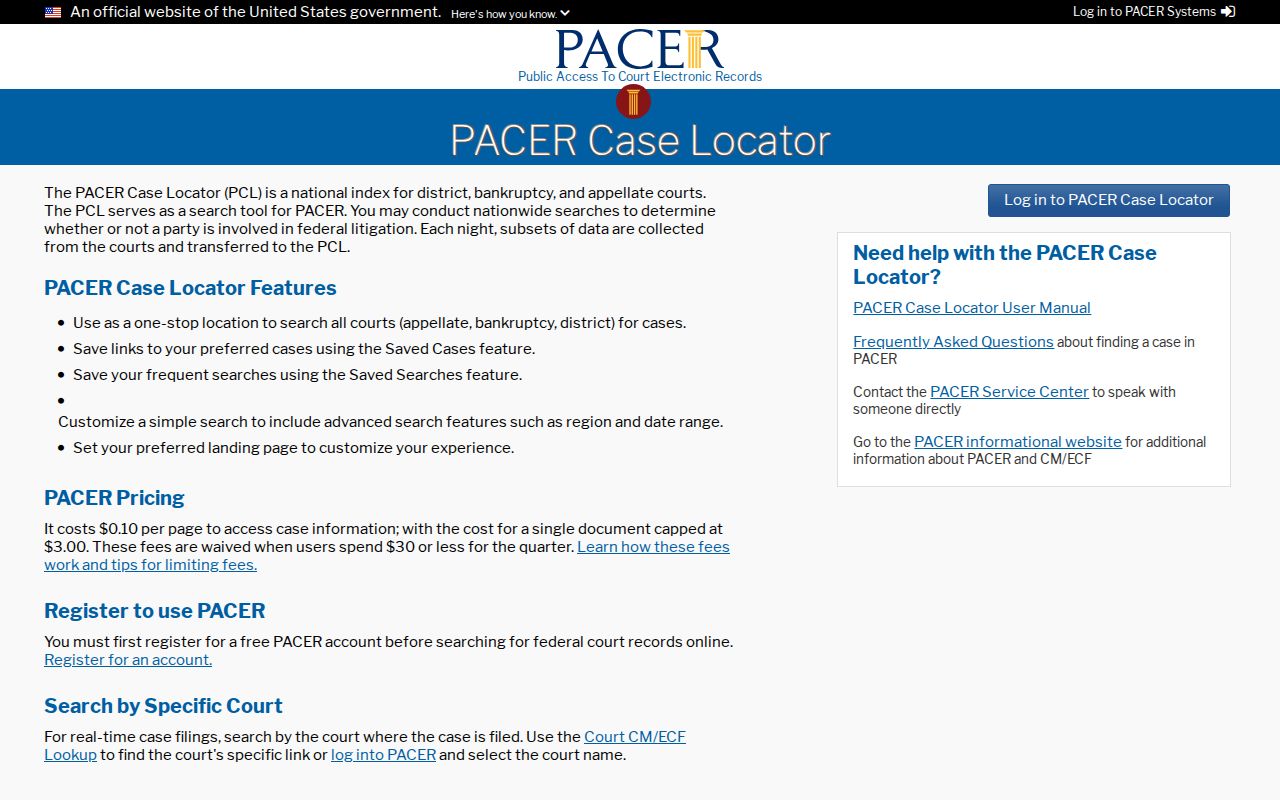
Federal results remain separate from the Aitkin County District Court register of actions.
Searching Aitkin County Cases by Number
A full court file number is the most direct input for an Aitkin County case search. MCRO takes a complete number with no spaces; dashes and leading zeros may be optional. Take 01-CR-25-760 as a criminal sample: 01 marks Aitkin County, CR marks a criminal case, 25 is the filing year, and the last digits give the sequence. A payable violation looks like 01-VB-25-1272. Civil and family files use CV and FA.
A citation search demands the complete citation number. Anything incomplete returns an error, not a broad result. If an unusual case number carries extra location letters, lean on the Judicial Branch case-number help instead of guessing at a decode.
Aitkin County Case Code Clues
Case codes give each file a compact label. They do not settle every question about the case. The detailed record, its events, and the court location remain the reliable checks. Aitkin County daily-calendar entries share the same county prefix, and they show criminal, payable-violation, civil, and family categories alike.
- Register of Actions
- The chronological history of filings, hearings, orders, judgments, notices, and other case events.
- Case event
- A filing, order, hearing, judgment, notice, or administrative entry on that history.
- Document index
- An entry that identifies a document event; it does not guarantee an attachment is available remotely.
- Calendar
- A list of scheduled courtroom matters for a date, which is narrower than the full Aitkin County case history.
Note: A case code names a category. It does not prove that a record, event, or document is publicly available.
What an Aitkin County Case Search Returns
Case details identify the court file and display whatever case data Minnesota access rules allow in public. Think of the register of actions as a sequence of events. It never guarantees a downloadable document for each one. A hearing listing, likewise, proves nothing about whether the hearing occurred or stayed on the calendar. When a date matters, set the event history beside the hearing notice or the local calendar.
| Case number | The stable state court-file identifier, such as 01-CR-25-760. |
|---|---|
| Case type | The displayed category, such as criminal, civil, family, or payable violation. |
| Register of actions | The chronological case-event history, including filings, notices, hearings, and orders. |
| Document index | A record of a document event; an attachment may be unavailable or restricted. |
| Hearing information | A scheduled type and date that should be checked against current court notices and calendar information. |
Read every displayed field in context for an Aitkin County case. Case status, a calendar setting, and a document index each describe a different part of the record.
Aitkin County Case Document Coverage
Document Search works from a case number. For major and minor criminal and civil cases, MCRO's public-document coverage generally reaches filings on or after July 1, 2015. Some probate, guardianship, conservatorship, and trust matters get broader coverage. Remote access is far narrower for family and post-adjudication paternity cases, generally limited to court-prepared orders, appellate opinions, and notices.
A public index can name an event while withholding the document itself. Exhibits are generally not open to remote access. For an older file, a missing attachment, an original public record, or a certified copy, ask Aitkin County Court Administration about local inspection and the right copy route.
Statewide vs Aitkin County Case Search
MCRO covers the whole state. That makes it the sensible first search when the county is uncertain or a name may have cases in more than one Minnesota location. The Aitkin County layer is Court Administration, the original public file where available, and the daily calendar for local courtroom events. Neither source stands in for the other. A calendar is a date-specific snapshot, while the case record carries the full event history.
| MCRO statewide search | Aitkin County local route |
|---|---|
| Eligible District Court case data across Minnesota. | Original public files, local copy questions, certification, and archived-file routing. |
| Case, document, hearing, and judgment search tabs. | Daily calendar and Court Administration guidance for local status. |
| Best when the filing county is unknown or a search spans counties. | Best when a specific Aitkin County file needs inspection, copies, or confirmation. |
Got a case number in hand? Then skip the search screens and take the Aitkin County court records route instead, which gets you a plain or certified copy of the file. The local court calendar serves a different job. It shows scheduled events only, so go to the register of actions for continuances, orders, and dispositions entered afterward.
Aitkin County Hearing Search Checks
Hearing Search is the tool for one goal: a court date. You can query it by name or business, case number, judicial officer, or attorney. Narrow results with date, category, and court-location filters. A date on a calendar is a schedule, though, not an outcome. For a second view, open the official Aitkin daily calendar, a PDF of courtroom hearings for the Tenth Judicial District county rather than a full case index. The court posts it every business day and refreshes it hourly. Still, the printed calendars at the courthouse win on freshness. Treat those as the most current when timing matters.
Federal matters live somewhere else entirely. Use the PACER service, the official federal courts system, not a Minnesota state search.
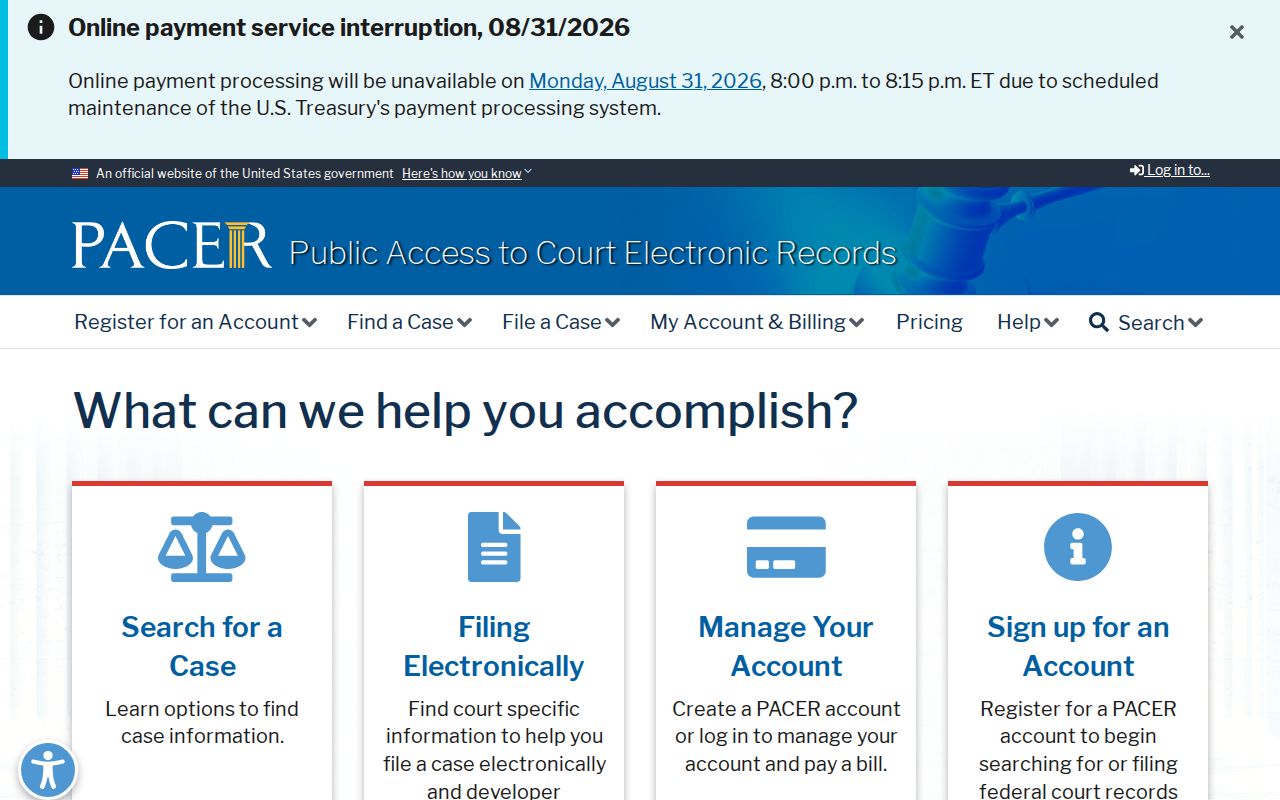
That PACER route never folds federal material into an Aitkin County District Court search result.
Aitkin County Case Search Fixes
An empty result usually has a fixable cause. Start with the basics. Confirm the county and the court location before anything else. Then run the complete case number twice. Try it with and without its optional punctuation or leading zeros. Name searches deserve three separate attempts: exact spelling, wildcard, and Sounds Like. On a citation number, verify every digit made it in. A case should have a future hearing but Case Search shows nothing. Run Hearing Search on its own. Pull the Aitkin County daily calendar for that business day.
Some files sit outside online reach. Older, archived, confidential, sealed, or missing records all belong to Aitkin County Court Administration. Certification questions go there too. Call with the file number and the exact document you need. For plain non-confidential material, a statewide copy-request route works by mail, email, or fax where accepted. MCRO may lack a remotely available attachment. Then a public terminal or file at the courthouse is the right next step. Bulk and aggregate requests go through Judicial Branch statistics channels. Those grant no extra access to any single file. And never swap a federal search for a state one. A federal matter will not surface in an Aitkin County MCRO result.
Aitkin County Restricted Case Access
Access rules in Minnesota sort every record into boxes. Rule of Public Access Rule 4 separates public, nonpublic, confidential, and sealed records. It also covers remotely accessible case data. Rule 8 then governs inspection and copying at the courthouse. It also governs remote access to particular records and fields. Minnesota Statutes section 13.90 keeps Judicial Branch data under those Supreme Court rules. A general Chapter 13 request does not apply. A result reading “Name Not Available Online” signals restricted party information, nothing more. It tells you neither why the restriction exists nor whether a case exists at all.
Juvenile files stay nonpublic in almost every case, aside from limited records the rules define. An expunged case may lose much of its public visibility. Adoption records follow their own separate process. Want confidential or sealed material? The official CON100/CON101 packet asks for several things. List the county, the file number, and the records sought. Add your interest and a detailed reason access should be granted. Filing it promises nothing, and no public terminal lifts a restriction.
Note: Court Administration can walk you through the process. Only a judicial officer decides whether confidential or sealed records get released.